Prepare
Smart templates

E-signature, AI summaries and templates in one workflow.
From preparing a request to understanding what you sign. Bring documents, templates and signatures into one connected workflow.
AI summary for signers and AI field placement are now available to every account in the web app.
Illustrative workflow preview
Email your contract to sign@signofile.net and say who should sign. Signofile reads the contract and places each person’s signature, name, date and title fields in the right party block.
See how it worksSend from your Signofile account’s email address. Nothing is sent until you approve.
Dana Levi signs for the buyer, Avi Cohen for the seller.
Sample contract.pdfSample agreement
Review the request received by email and approve it within one hour.
Waiting time shortened.
Attach a PDF or Word file. Write, for example: “Dana Levi signs for the buyer, Avi Cohen for the seller.”
Names are matched to your contacts and each person’s fields go in their own signature block—even when several parties are involved.
Check the preview sent to your email. Reply approved within 1 hour to send the signing request.
Smart templates
AI summary for signers · New
Sign from an invitation
Know who has signed
Signofile's e-Seal is a digital signature in the European PAdES format. It is made with a certificate issued to Explogic Ltd by a certificate authority on the Adobe Approved Trust List (AATL), and carries a trusted timestamp. Adobe Acrobat verifies it automatically and shows whether the document was changed after sealing. Signatures added by the people who sign are electronic signatures recorded with signing evidence.
AI summary for signers and AI field placement are now available to every account in the web app.
Let AI suggest signature, name and date fields. Review the suggestions before sending.
Review and adjust suggested signature fields before sending.
Waiting time shortened.
Before signing, ask for a plain-language overview, key amounts, dates and notice periods. Review clauses worth a closer look, from penalties to automatic renewal. Tap a reference to read the source page.
The summary is written in the document's own language. It may contain mistakes. Read the full document before signing. It is guidance, not legal advice, and stays outside the signed record.
Read the full document. The summary may contain mistakes, is not legal advice and is not part of the signed record.
Waiting time shortened.
Review the document, not just its summary. Privacy
Send a new version of a lease and Signofile offers the layout from your last send. Apply it in one tap, then choose whether to bring back the recipients, CCs and signing order.
See all featuresCheck the fit before reusing a template’s fields.
Waiting time shortened.
Start with ready contracts and documents in English and Hebrew across eight categories. Import an editable Word copy, fill it in, then send it for signature.
General templates, not legal advice.
Choose a general document template and edit your copy. Templates are not legal advice.
Waiting time shortened.
Translate your PDF or Word document into a new reading copy. Keep the original and find the translated file beside it.
Explore translationIncludes up to 50 source pages of translation a month, in your subscription and trial.
Up to 30 pages and 20 MB per document. Scanned documents without text are not supported.
Create a machine-translated reading copy. Sign the original, not this copy.
Waiting time shortened.
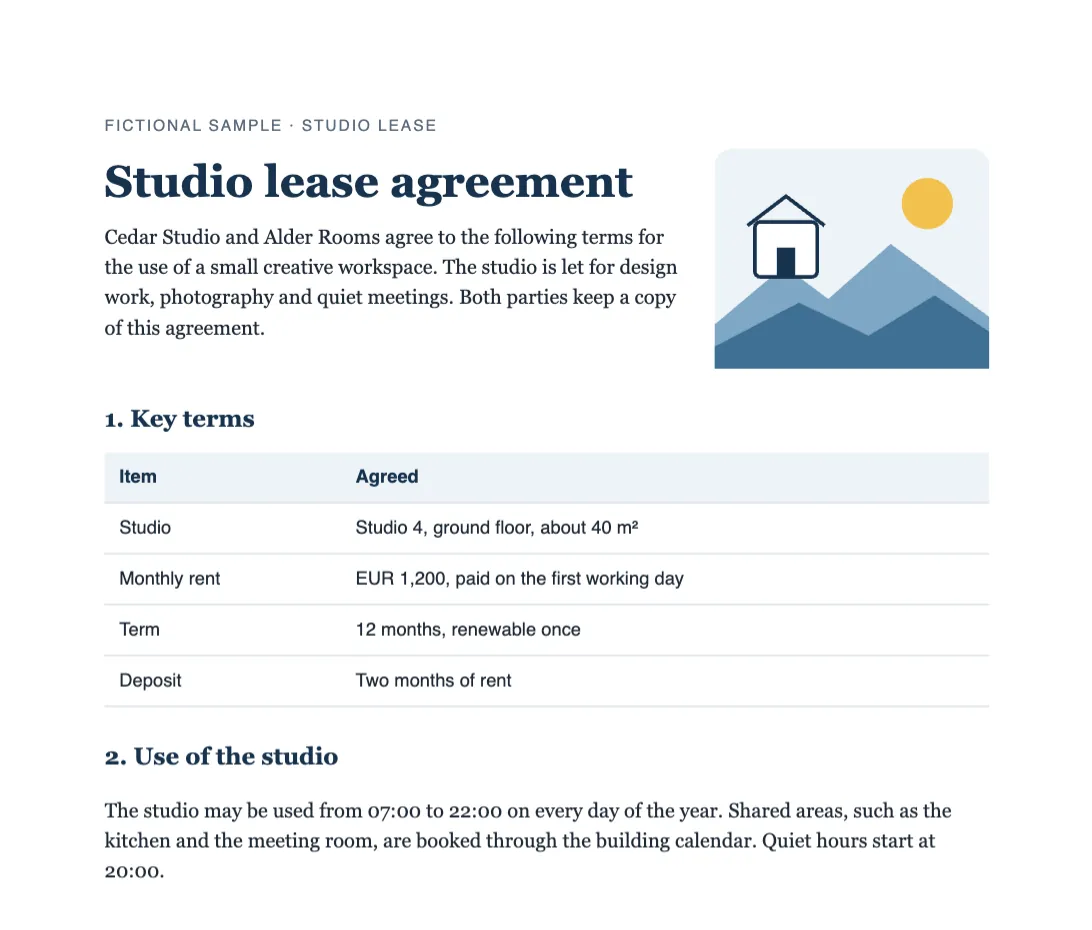
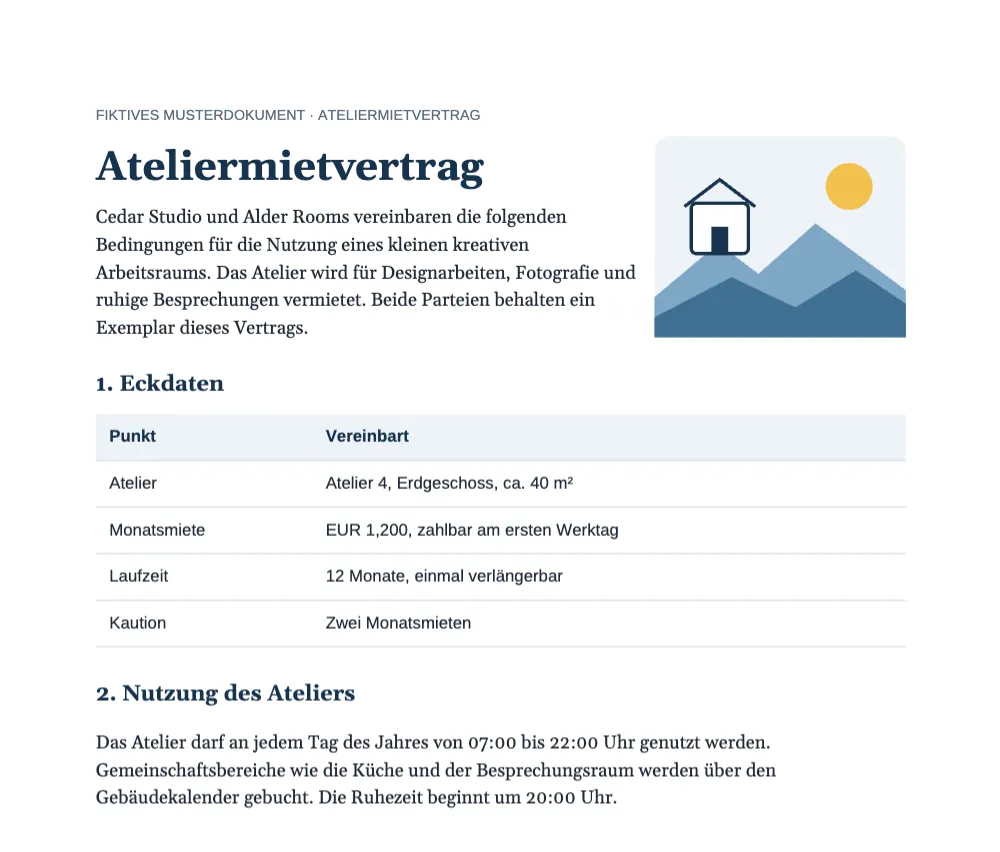

Maschinelle Übersetzung – nur Lesekopie. Maßgeblich ist das Originaldokument.
Real app preview · fictional document
Machine translation — reading copy only. The original document governs. Always sign the original.
English · German · French · Spanish · Italian · Polish · Brazilian Portuguese · Ukrainian
Scan a paper document, edit a Word file or organize your PDFs. Each is part of the same workflow.
See all featuresTake your workspace with you
Now available on the App Store. Android is coming soon.

Apple and the Apple logo are trademarks of Apple Inc. App Store is a service mark of Apple Inc.